
Anúncios
Video editing apps have revolutionized how we create, share, and consume visual content, putting professional-grade tools right at our fingertips.
The smartphone revolution has transformed ordinary users into content creators. What once required expensive equipment and technical expertise is now accessible through intuitive mobile applications. Whether you’re crafting Instagram reels, YouTube vlogs, or professional marketing materials, video editors have become essential tools in our digital toolkit.
Anúncios
These applications bridge the gap between amateur footage and polished productions. With features ranging from basic trimming to advanced color grading, modern video editing apps cater to everyone from casual social media users to aspiring filmmakers. Let’s explore what makes these tools indispensable in today’s content-driven world.
📱 The Evolution of Mobile Video Editing
The journey from desktop-exclusive editing suites to pocket-sized powerhouses represents one of technology’s most impressive transformations. Early mobile apps offered basic functionality—simple cuts and rudimentary filters. Today’s applications rival desktop software in capability while maintaining user-friendly interfaces.
Anúncios


This evolution stems from several technological advances. Improved smartphone processors handle complex rendering tasks efficiently. Cloud computing enables seamless collaboration and storage. Machine learning algorithms automate tedious tasks like background removal and audio enhancement.
The democratization of video editing has sparked creativity worldwide. Content creators no longer need film school education or expensive software licenses. A smartphone and the right app open doors to unlimited creative expression.
🎬 Essential Features Every Editor Should Have
Modern video editing applications pack impressive functionality into compact interfaces. Understanding which features matter most helps you choose the right tool for your needs.
Timeline-Based Editing
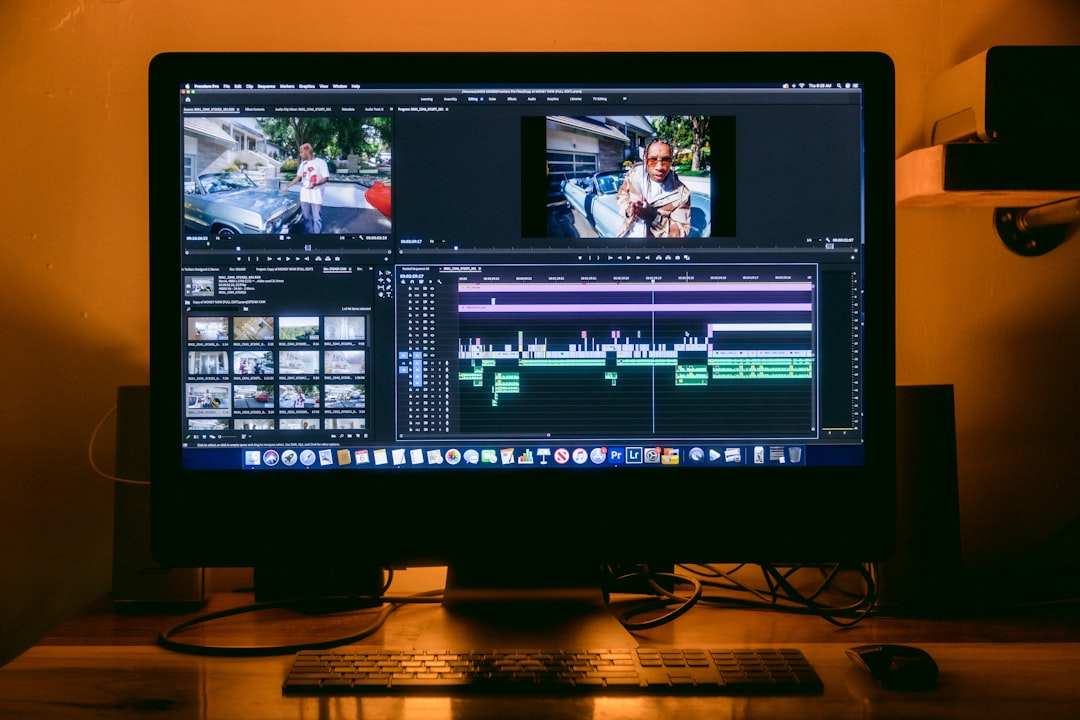
The timeline represents the foundation of any serious editing app. This visual representation of your project allows precise control over clips, transitions, and effects. Quality apps offer multi-track timelines, enabling layered compositions with video, audio, text, and graphics working in harmony.
Intuitive timeline controls separate great apps from mediocre ones. Pinch-to-zoom functionality, magnetic snapping, and frame-accurate trimming make editing smooth and efficient. The best applications balance power with simplicity, ensuring beginners aren’t overwhelmed while professionals find the depth they require.
Transition and Effect Libraries
Visual transitions transform disjointed clips into cohesive narratives. From classic fades and wipes to modern glitch effects and morphing transitions, variety matters. However, quantity alone doesn’t guarantee quality—well-designed transitions feel natural rather than distracting.
Effects libraries enhance visual storytelling through filters, overlays, and color adjustments. Cinematic LUTs (Look-Up Tables) apply professional color grades instantly. Particle effects add drama. Lens flares create atmosphere. The key lies in using these tools purposefully rather than excessively.
Audio Editing Capabilities
Sound represents half of the viewing experience, yet many creators overlook audio quality. Comprehensive video editors include robust audio tools—noise reduction, equalization, volume normalization, and multi-track mixing capabilities.
Music libraries integrated within apps save time and avoid copyright issues. Royalty-free tracks spanning multiple genres provide soundtracks for various moods and themes. Advanced apps offer beat-syncing features that automatically align cuts with musical rhythms.
🚀 Performance Optimization and Export Quality
Technical specifications might seem boring, but they directly impact your editing experience and final product quality. Understanding performance considerations ensures smooth workflows and professional results.
Processing power determines how quickly your app renders effects and exports finished videos. Well-optimized applications leverage hardware acceleration, utilizing your device’s GPU alongside the CPU. This parallel processing dramatically reduces rendering times.
Export settings deserve careful attention. Resolution options should include everything from social-media-friendly vertical formats to 4K landscape videos. Bitrate controls balance file size against quality. Format compatibility ensures your videos play correctly across platforms and devices.

💡 Creative Tools That Inspire Innovation
Beyond basic functionality, cutting-edge video editors incorporate creative tools that push artistic boundaries. These features transform simple clips into captivating visual experiences.
Text and Typography Options
Text overlays convey information, emphasize points, and enhance storytelling. Quality apps provide extensive font libraries, customizable animations, and flexible positioning options. Kinetic typography—text that moves and transforms—adds energy to presentations.
Subtitle generators have become indispensable as silent autoplay dominates social media. AI-powered transcription automatically creates captions, improving accessibility while keeping viewers engaged even without sound.
Green Screen and Chroma Key
Once restricted to professional studios, green screen technology now fits in your pocket. Chroma key features let you replace backgrounds, creating impossible scenarios or professional-looking presentations without expensive sets.
AI-enhanced background removal eliminates the need for physical green screens. Algorithms detect subjects and separate them from backgrounds automatically. While not always perfect, this technology continues improving and expands creative possibilities.
Motion Tracking and Stabilization
Motion tracking follows subjects automatically, keeping text, graphics, or effects locked to moving objects. This feature creates professional-looking annotations and dynamic visual effects without frame-by-frame manual adjustments.
Image stabilization fixes shaky footage, transforming handheld clips into smooth, professional-looking shots. Advanced algorithms analyze movement patterns and compensate for camera shake while preserving intentional motion.
🌟 User Experience and Interface Design
Powerful features mean nothing if users can’t access them efficiently. Interface design separates frustrating experiences from enjoyable creative sessions.
Intuitive layouts reduce learning curves. Logical tool placement lets you find functions quickly. Customizable workspaces adapt to individual workflows. Gesture controls enable natural interactions—pinch to zoom, swipe to scroll, drag to reposition.
Tutorial integration helps newcomers master features without leaving the app. Interactive guides walk users through editing processes. Template libraries provide starting points, demonstrating techniques while producing usable content.
Dark mode options reduce eye strain during extended editing sessions. Responsive design ensures interfaces work across screen sizes. Accessibility features make editing inclusive for users with disabilities.
📊 Comparing Free versus Premium Options
The video editing landscape includes both free applications and premium subscriptions. Understanding what each tier offers helps you invest wisely.
Free versions typically impose limitations—watermarked exports, restricted features, or advertising interruptions. Despite constraints, many free apps provide substantial functionality suitable for casual creators and beginners exploring video editing.
Premium subscriptions unlock full feature sets, remove watermarks, and often include expanded asset libraries. Subscription models provide continuous updates and new features. One-time purchases offer permanent access but may lack long-term support.
Value depends on your needs. Occasional users might find free versions sufficient. Regular content creators benefit from premium features and professional output quality. Trial periods let you test premium functionality before committing financially.
🎯 Choosing the Right App for Your Needs
With countless editing applications available, selecting the perfect match requires evaluating your specific requirements and creative goals.
Consider Your Content Type
Social media creators need apps optimized for vertical video and platform-specific aspect ratios. YouTube vloggers prioritize storytelling tools and longer format support. Professional marketers require brand consistency features and collaboration capabilities.
Different platforms demand different approaches. TikTok editing favors quick cuts and trending effects. Instagram prefers polished aesthetics. Documentary work needs precise timing and audio mixing. Match your app’s strengths to your content style.
Evaluate Your Skill Level
Beginners benefit from guided experiences with templates and automatic features. Intermediate users want creative control without overwhelming complexity. Advanced editors need professional-grade tools and customization options.
Many creators start with beginner-friendly apps, then graduate to more sophisticated tools as skills develop. Some applications scale beautifully, offering simple interfaces for basics while hiding advanced features until needed.
Technical Requirements Matter
Check your device compatibility before committing to an app. Older smartphones might struggle with resource-intensive applications. Storage space affects project size and media library capacity. Internet connectivity impacts cloud features and asset downloads.
Operating system versions determine available features. Regular updates ensure compatibility with latest devices and formats. Cross-platform availability lets you start projects on smartphones and finish them on tablets.
🔐 Privacy and Data Security Considerations
Video editing apps often request extensive permissions and handle personal content. Understanding privacy implications protects your data and creative work.
Photo and video access permissions are necessary for editing functionality. However, excessive permissions—like contact lists or location tracking—deserve scrutiny. Review privacy policies to understand how companies use your data.
Cloud storage offers convenience but raises security questions. Encrypted uploads protect content during transmission. Clear ownership policies ensure your creative work remains yours. Local editing options avoid cloud concerns entirely.
Watermarking serves dual purposes—branding free versions while protecting copyright. Remove watermarks in premium versions or choose apps respecting creator ownership from the start.
🌐 The Future of Mobile Video Editing
Emerging technologies promise exciting developments in mobile video creation. Understanding trends helps you prepare for tomorrow’s possibilities.
Artificial intelligence continues revolutionizing editing workflows. Smart scene detection automatically organizes footage. Automated editing suggests cuts based on content analysis. Voice commands enable hands-free operation.
Augmented reality integration blurs lines between real and digital. AR effects overlay virtual objects onto real-world footage. Face filters and virtual sets expand creative options without physical resources.
5G connectivity enables real-time collaboration regardless of location. Multiple editors work simultaneously on shared projects. Instant cloud rendering processes heavy effects remotely, freeing device resources.
✨ Maximizing Your Editing Efficiency
Technical knowledge matters, but workflow optimization separates productive creators from frustrated strugglers. Smart habits accelerate editing while improving output quality.
Organize footage before editing begins. Rename clips descriptively. Delete unusable takes immediately. Create folder structures reflecting project sections. These preparatory steps save tremendous time during actual editing.
Keyboard shortcuts and gestures speed up repetitive tasks. Learn your app’s efficiency features. Customize controls matching your natural movements. Muscle memory develops, making editing feel instinctive.
Regular breaks prevent creative burnout and physical strain. Fresh perspectives reveal issues invisible during extended sessions. Step away periodically, returning with renewed focus and critical eyes.
🎓 Learning Resources and Community Support
Mastering video editing requires continuous learning. Fortunately, abundant resources support creators at every level.
YouTube tutorials demonstrate techniques specific to your chosen app. Creator communities share tips, troubleshoot problems, and provide inspiration. Official documentation explains features comprehensively.
Online courses offer structured learning paths from basic operations to advanced techniques. Free tutorials provide excellent starting points. Paid courses deliver in-depth instruction with personalized feedback.
Experimentation remains the best teacher. Try unfamiliar features. Recreate effects you admire. Accept that mistakes teach valuable lessons. Each project improves your skills and expands your creative toolkit.
🎉 Unleashing Your Creative Potential
Video editing apps democratize visual storytelling, placing powerful creative tools in everyone’s hands. Technical specifications and feature lists matter, but they serve a greater purpose—enabling authentic self-expression and meaningful communication.
The perfect app balances capability with usability, offering depth without overwhelming complexity. It respects your time through efficient workflows while inspiring creativity through innovative features. Most importantly, it disappears into the creative process, becoming an extension of your artistic vision rather than an obstacle to overcome.
Start exploring today. Download an editing app, import some footage, and experiment fearlessly. Your unique perspective deserves to be shared, and these remarkable tools stand ready to help you craft compelling visual stories that resonate with audiences worldwide. The only limit is your imagination—so start creating! 🚀
